The Volume-Off Draft: Making Your Tape Readable in a Crowded Room
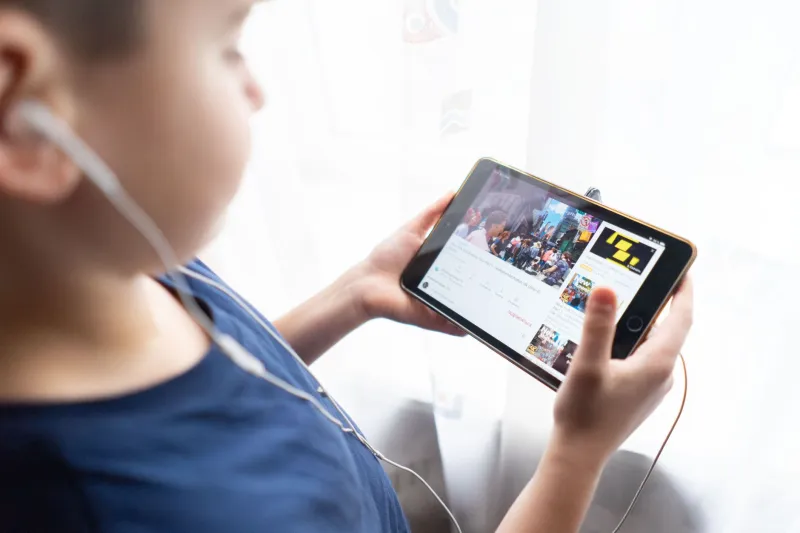
A scout opens your link on a phone in a crowded terminal. One bar of signal, 12 percent battery, volume off. They are not being rude. They are being efficient. And for the next thirty seconds, your tape is a silent film whether you planned for that or not.
That is the reality behind the volume-off draft. Your submission has two first impressions: the one with sound and the one without. Most submitters only rehearse the first. The mute test is how you catch the second before a scout does.
Why the first watch is often silent
Submission links get opened in places where audio is inconvenient, embarrassing, or impossible. A shared office. A train platform. A kitchen with a kid doing homework. A screening room where someone forgot the aux cable. Scouts also skim. They open several links in a row, and the mute button stays on until something visual earns the right to make noise.
If your tape only makes sense with audio, you are asking a stranger to do extra work. That is not a fair ask in a submissions hub where the next link is one thumb swipe away. Visual legibility is not a bonus. It is part of the craft.
What the mute test actually measures
The mute test is not about dumbing down your work. It is about checking whether the visual track can carry the load while the audio track is temporarily unavailable. Run it and ask three questions:
- Can I tell who the tape is about within the first ten seconds?
- Can I tell what is happening without narration or dialogue?
- Is there a reason to keep watching after the first frame?
If the answer to any of those is no, the tape has a visual clarity problem, not an audio problem. Fix the picture first.
The thirty-second silent scan
Open your submission on your phone. Mute it. Hold the phone at arm's length, the way a scout would in a crowded room. Watch thirty seconds without pausing and without explaining anything to yourself. Then look away and write down what you remember.
If you remember a face, a place, and a problem, you are in good shape. If you remember a blur of nice footage and a vague feeling, the tape needs a stronger visual spine. Do not trust your memory of the edit. Trust the silent scan.
Framing that survives a small screen
Wide shots are wonderful on a laptop and useless on a phone in a bright room. A subject who takes up one-tenth of the frame becomes a smudge. The mute test favors faces, hands, and single clear subjects. If a viewer cannot identify the person or object at thumbnail size, push in, cut closer, or use an insert.
Eye lines matter too. A person looking off-camera can read as detached when there is no audio to explain the context. A direct look, even briefly, gives a silent viewer something to hold onto. This does not mean every tape needs a talking head. It means every frame should have a visual anchor.
Text on screen: the good, the bad, and the unreadable
On-screen text is your silent narrator, so treat it like dialogue. Keep title cards short. Give them at least three seconds on screen. Use high contrast and leave safe margins so the text survives a vertical crop. Do not write paragraphs. A viewer with the sound off will not read a paragraph, and a viewer with the sound on will resent it.
Captions are not a courtesy. They are a second edit. Burn in open captions for dialogue and key sounds, especially if the tape is dialogue-driven. Keep the style consistent and quiet. A caption that jumps around the frame or changes color every line pulls attention away from the picture. Include sound descriptions only when they carry story information: a door slamming, a phone buzzing, a crowd going quiet. Do not caption every um and breath.
Pacing without audio
Silence exaggerates dead frames. A two-second hold that feels natural with a music bed can feel like a stall when the room is quiet. Watch for moments where the edit is relying on sound to create energy. Replace those with a visual change: a cut, a camera move, a new insert, a reaction shot. Do not panic and add flashy graphics. Visual noise is not the same as visual momentum.
At the same time, do not turn the tape into a slideshow. Silent viewers still need time to read a face and understand a space. The goal is a rhythm that feels deliberate, not frantic.
The practical mute-test checklist
Run this before you send the link:
- Watch the first thirty seconds muted on a phone at arm's length.
- Check the thumbnail frame. Does it look intentional, or like a mistake?
- Confirm the first on-screen text is readable in three seconds.
- Check captions for size, contrast, and safe margins.
- Look for accidental black frames or frozen moments that read as buffering.
- Make sure the main subject is identifiable at small size.
- Watch a random ten-second section muted. Can you tell what is happening?
- Then watch with sound. The two experiences should support each other, not compete.
What not to do
Do not add loud graphics to compensate for a weak visual story. Do not caption every line if the tape is mostly visual. Do not assume a scout will unmute because the description says the audio is great. And do not treat the mute test as a trick. It is a craft check. The tape should work as a piece of visual storytelling first and as a sound experience second.
Run it before you hit send
Your tape has one job in a crowded room: make a stranger want to turn the sound on. The volume-off draft is how you find out if it can do that. Watch it silent. Watch it small. Watch it the way a scout actually will. Then send the version that earns the unmute.
Your tape. Their eyes. The break you built.